> ## Documentation Index
> Fetch the complete documentation index at: https://support.angellist.com/llms.txt
> Use this file to discover all available pages before exploring further.
# Universal Directory
> Breaking down the Directory drop down and how you manage your investors
## Directory
On the leftside navigation bar, the **Directory** dropdown menu is available with the options below. This **Directory** is a collection of investor entity profiles and accounts (emails) of everyone who has interacted with your Investor Management products like Digital Subscriptions, Data Room, Investor Portal, and/or Compliance CRM.
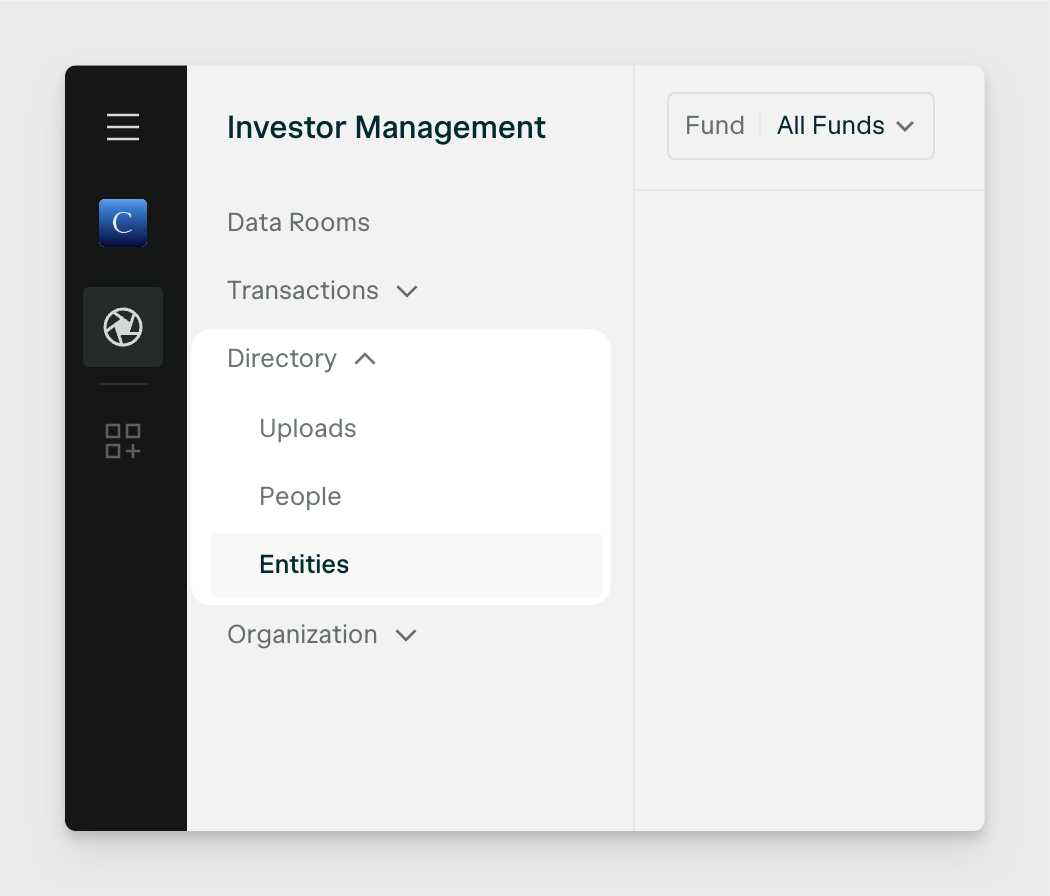
### Directory Entities
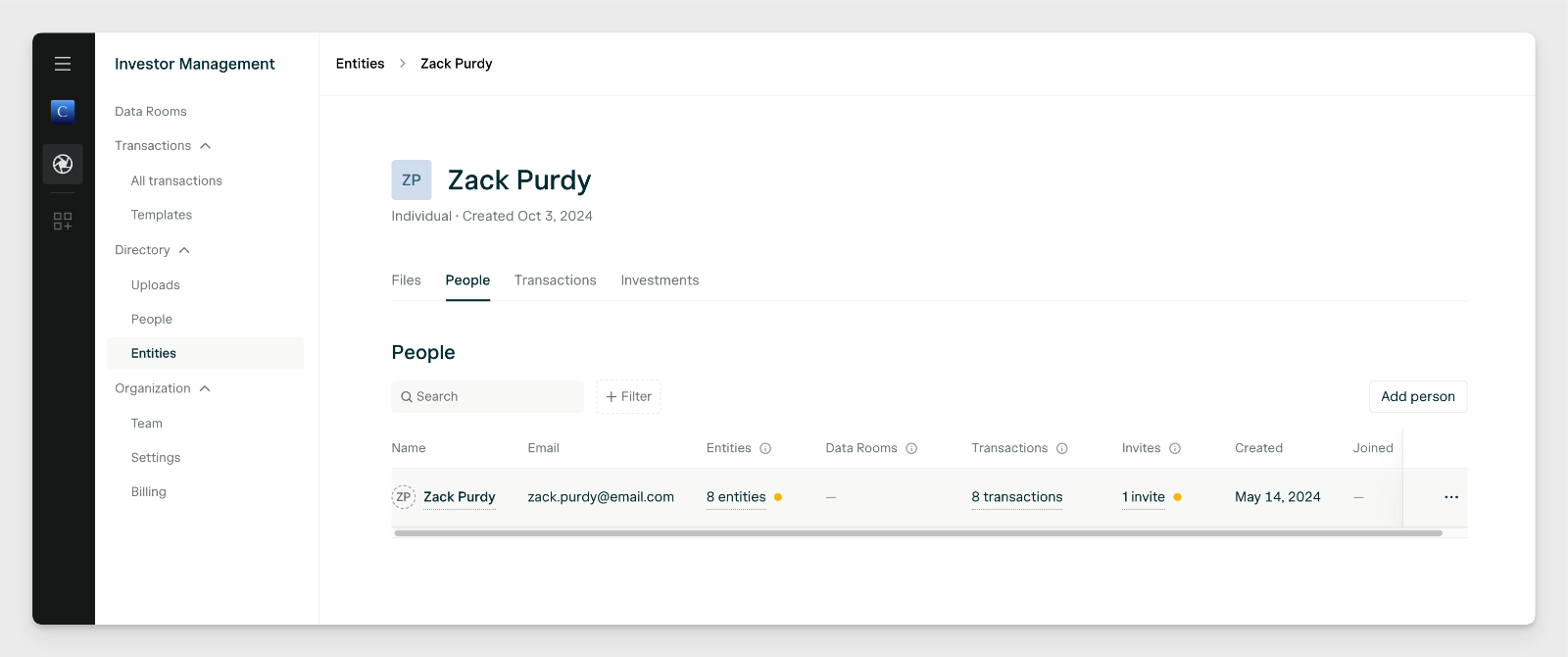
A Directory Entity is a record of an investor entity profile that is defined by it's legal name and entity type. Examples of entity types include: Individual, Trust, LLC, IRA, etc.
These records are created the following ways:
**Digital Subscriptions:** Automatically when an AngelList account starts a Transaction via one of *your organization's* Templates and creates a new entity or selects an existing one. That entity will be recorded as a Directory Entity in your directory.
**Portal:** You can manually create Directory Entities via the **New entity** button if you have purchased Investor Portal.
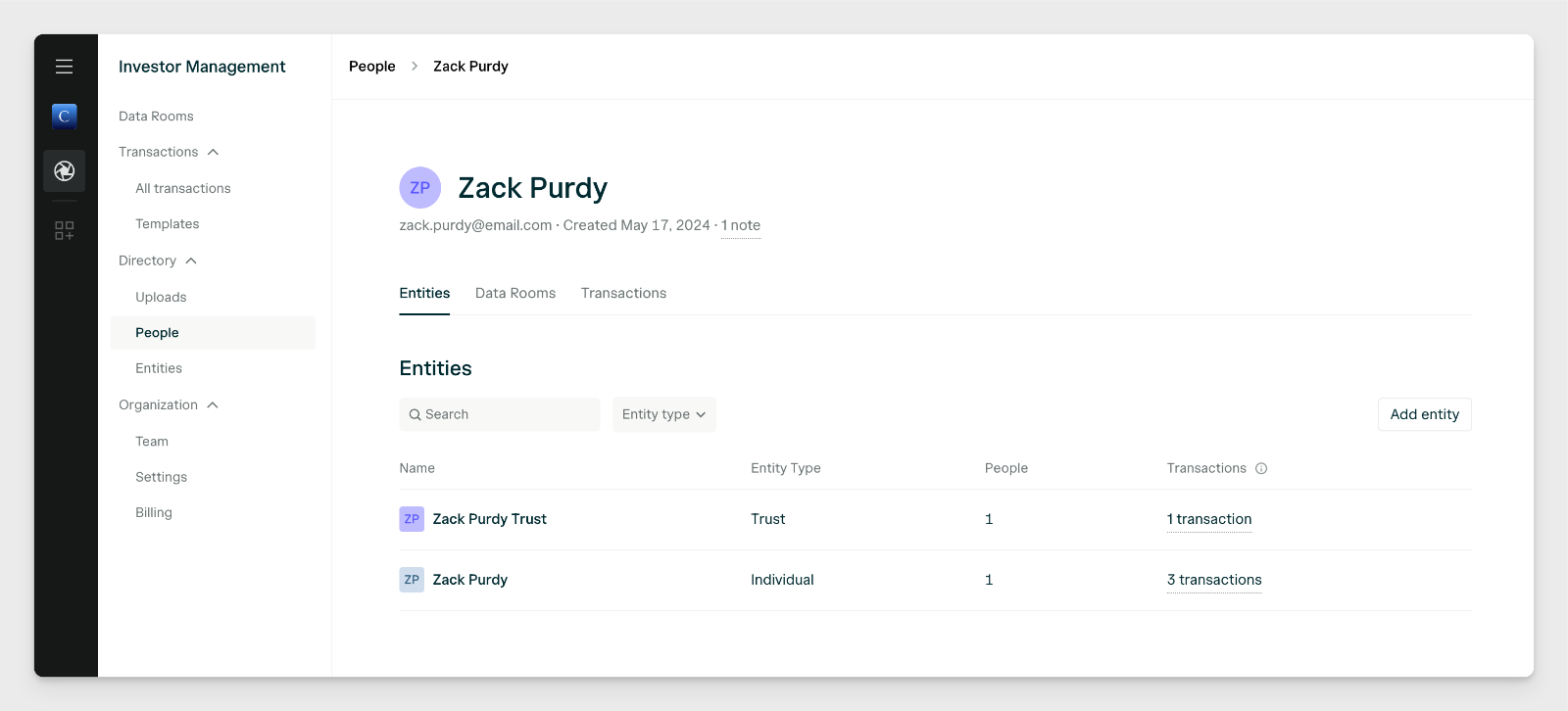
### Directory People
A Directory Person (People) is a record of an investor's AngelList account tied to a specific email.
These records are created the following ways:
**Data Room:** Whenever a visitor in your Data Room is privately invited in or visits via a *Verified Link* level security Access Link.
**Digital Subscriptions:** Whenever an AngelList account user creates a new Transaction. *Note:* If someone starts a Transaction on behalf of someone else, they are both created as Directory People and associated with that Directory Entity.
**Portal:** You can manually create a Directory Person via the **New person** button if you have purchased Investor Portal.