> ## Documentation Index
> Fetch the complete documentation index at: https://support.angellist.com/llms.txt
> Use this file to discover all available pages before exploring further.
# How to export your transactions and investors information
> CSV export feature
You can export data on an organization level and at a transaction level. The export will be in a .CSV format with every data point you collect as a column.
### Organization level export:
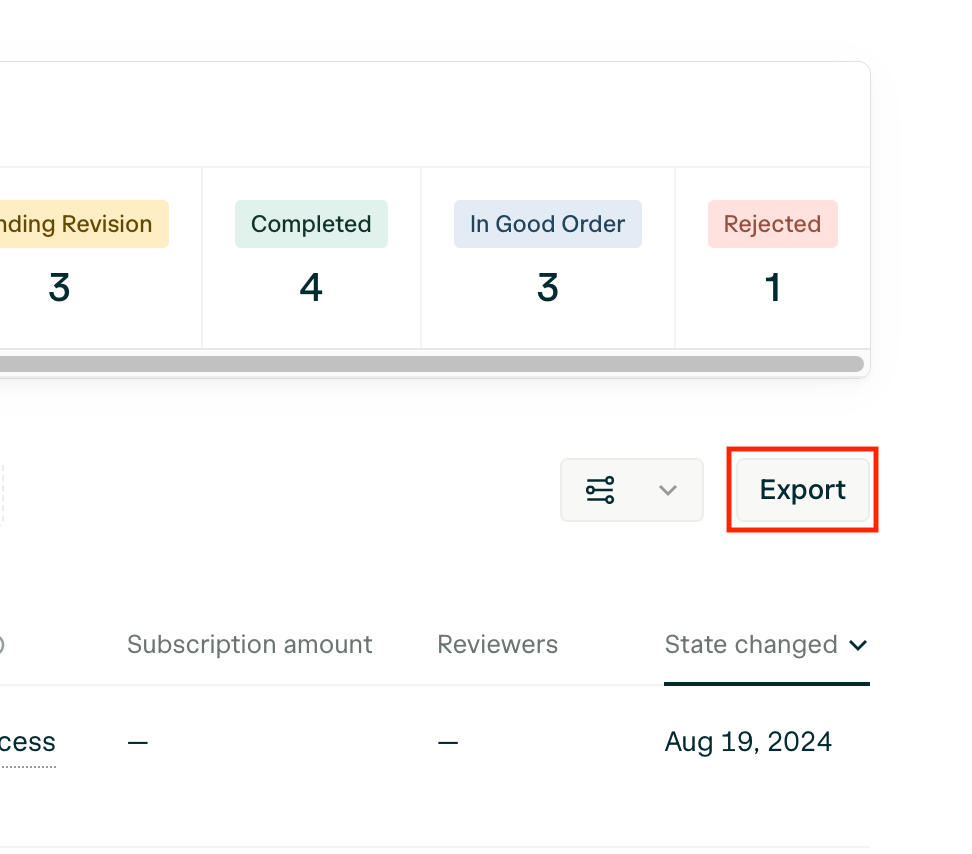
When you're on the Transactions dashboard, click Export to export every Transactions data point.
### Transaction level export:
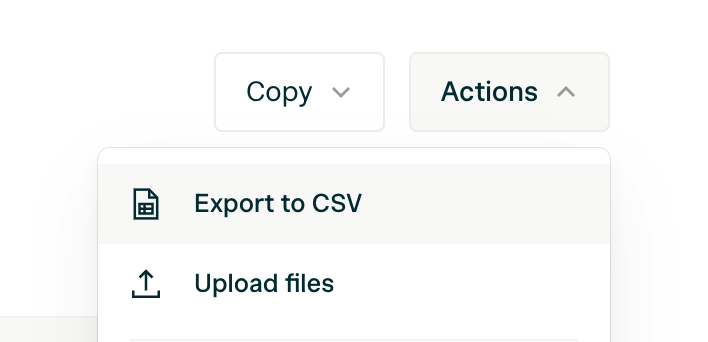
When you're within a Transaction, click the **Actions** button on the top right of your screen to export each data point.
### Downloading all files
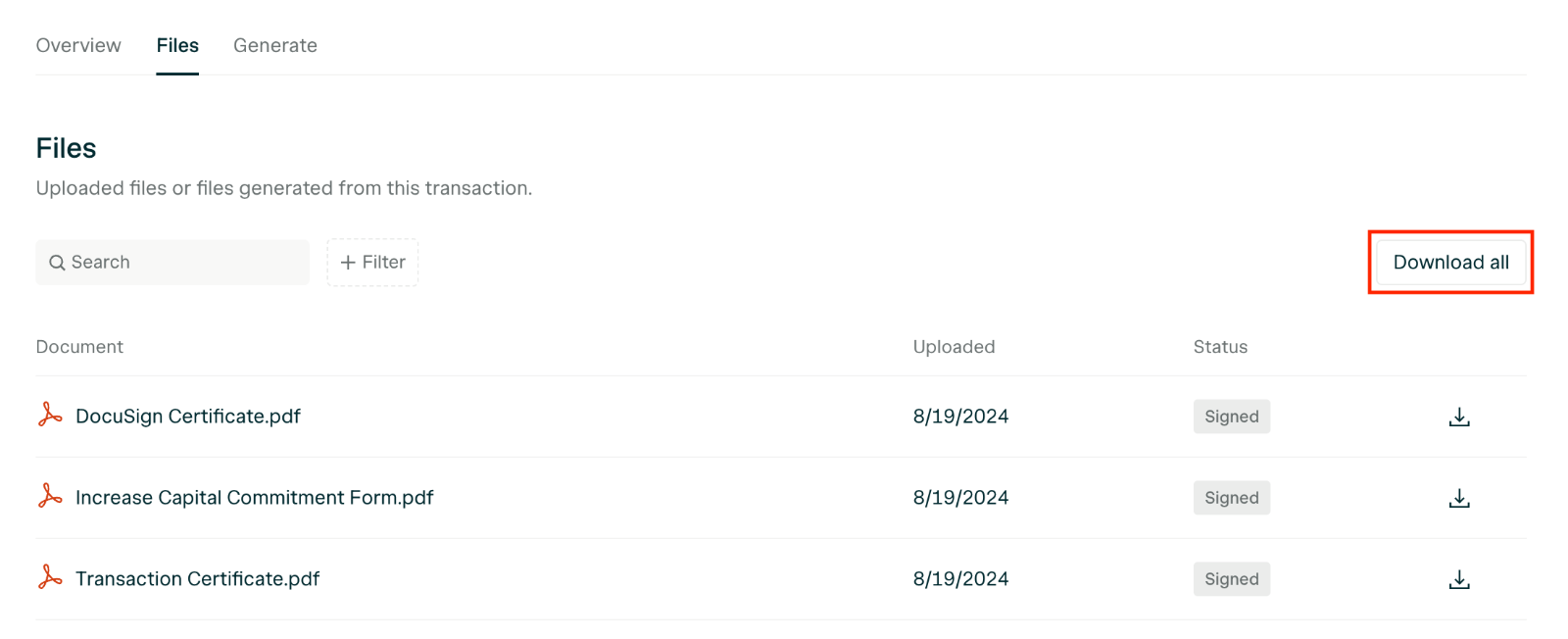
When you're within a Transaction, click **Files**, then **Download All** to export all files uploaded into a Transaction and any signed documents.