> ## Documentation Index
> Fetch the complete documentation index at: https://support.angellist.com/llms.txt
> Use this file to discover all available pages before exploring further.

# Top FAQs

> Quick answers to the most common questions users have about setting up, editing, and sharing their Data Room.

### What are the different Section Types of the Data Room?

<AccordionGroup>
  <Accordion title="Text" description="Rich text enabled sections to bold, italicise, underline, hyperlink, etc." defaultOpen icon="text" iconType="regular">
    <Frame>
      <img src="https://mintcdn.com/angellist-im-help/Av-5TMyVT9LYx2Nk/images/RichTextSection.png?fit=max&auto=format&n=Av-5TMyVT9LYx2Nk&q=85&s=bd7f57732df35d772cf616e3ba6431e8" alt="Rich Text Section Pn" width="1828" height="698" data-path="images/RichTextSection.png" />
    </Frame>
  </Accordion>

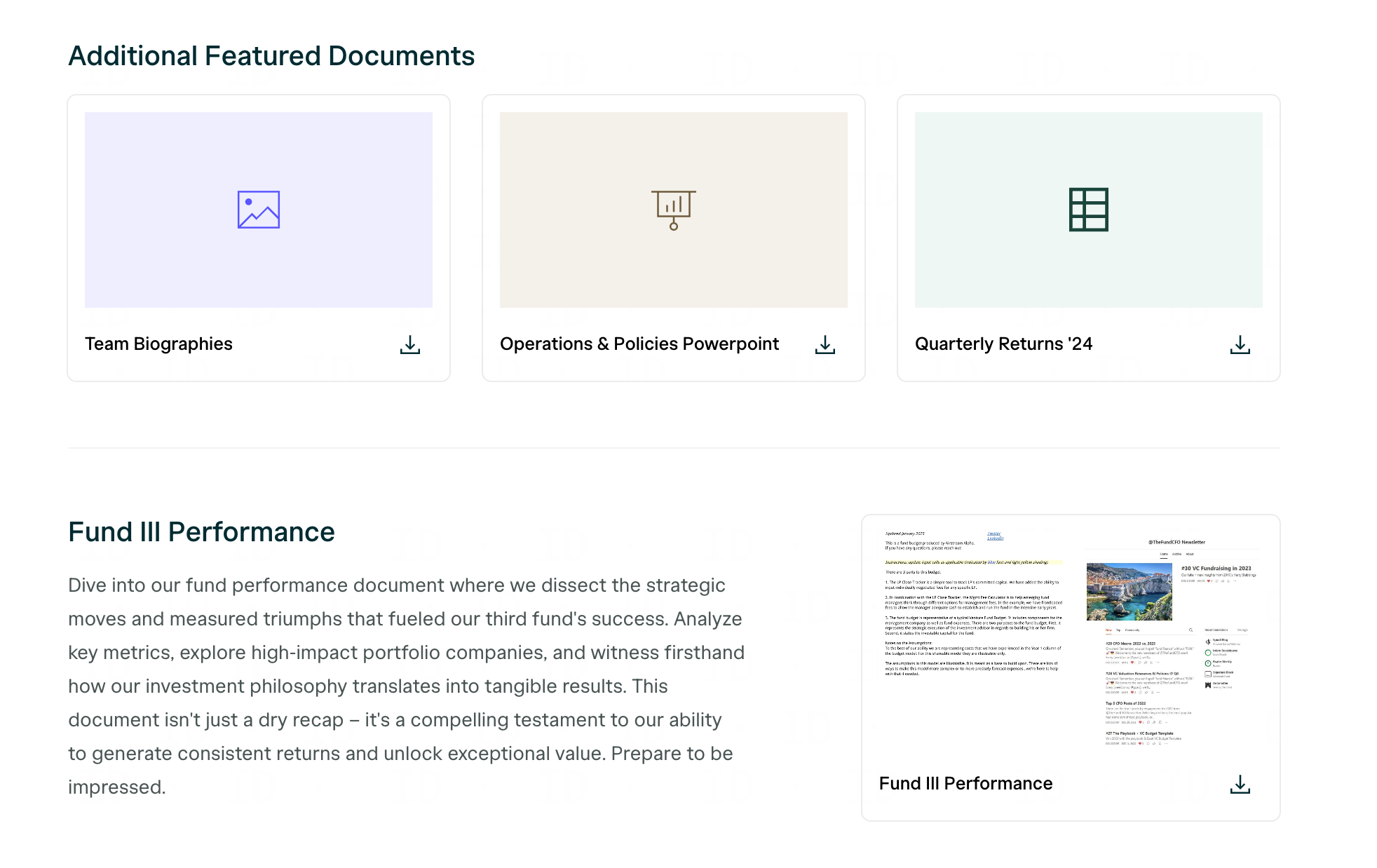
  <Accordion title="Featured Documents" description="Highlight specific documents and optionally provide a header/description" icon="file-invoice-dollar" iconType="regular">
    <Frame>
      <img src="https://mintcdn.com/angellist-im-help/Av-5TMyVT9LYx2Nk/FeaturedDocuments.png?fit=max&auto=format&n=Av-5TMyVT9LYx2Nk&q=85&s=523e8a8edc16a9f49436cccd3982bee0" alt="Featured Document Section" width="1964" height="1238" data-path="FeaturedDocuments.png" />
    </Frame>

    <Tip>
      You can replace these icon thumbnails with **custom images**

    </Tip>
  </Accordion>

  <Accordion title="Team" description="Team sections to highlight contact info" icon="people-group" iconType="regular">
    <Frame>
      <img src="https://mintcdn.com/angellist-im-help/Av-5TMyVT9LYx2Nk/TeamSection.png?fit=max&auto=format&n=Av-5TMyVT9LYx2Nk&q=85&s=0a7eb6d2dfd09b1748aadfdaf4cc2c6e" alt="Data Room Team Section" width="1584" height="640" data-path="TeamSection.png" />
    </Frame>

    <Tip>
      Include emails, phone numbers, and Linkedin URLs
    </Tip>
  </Accordion>

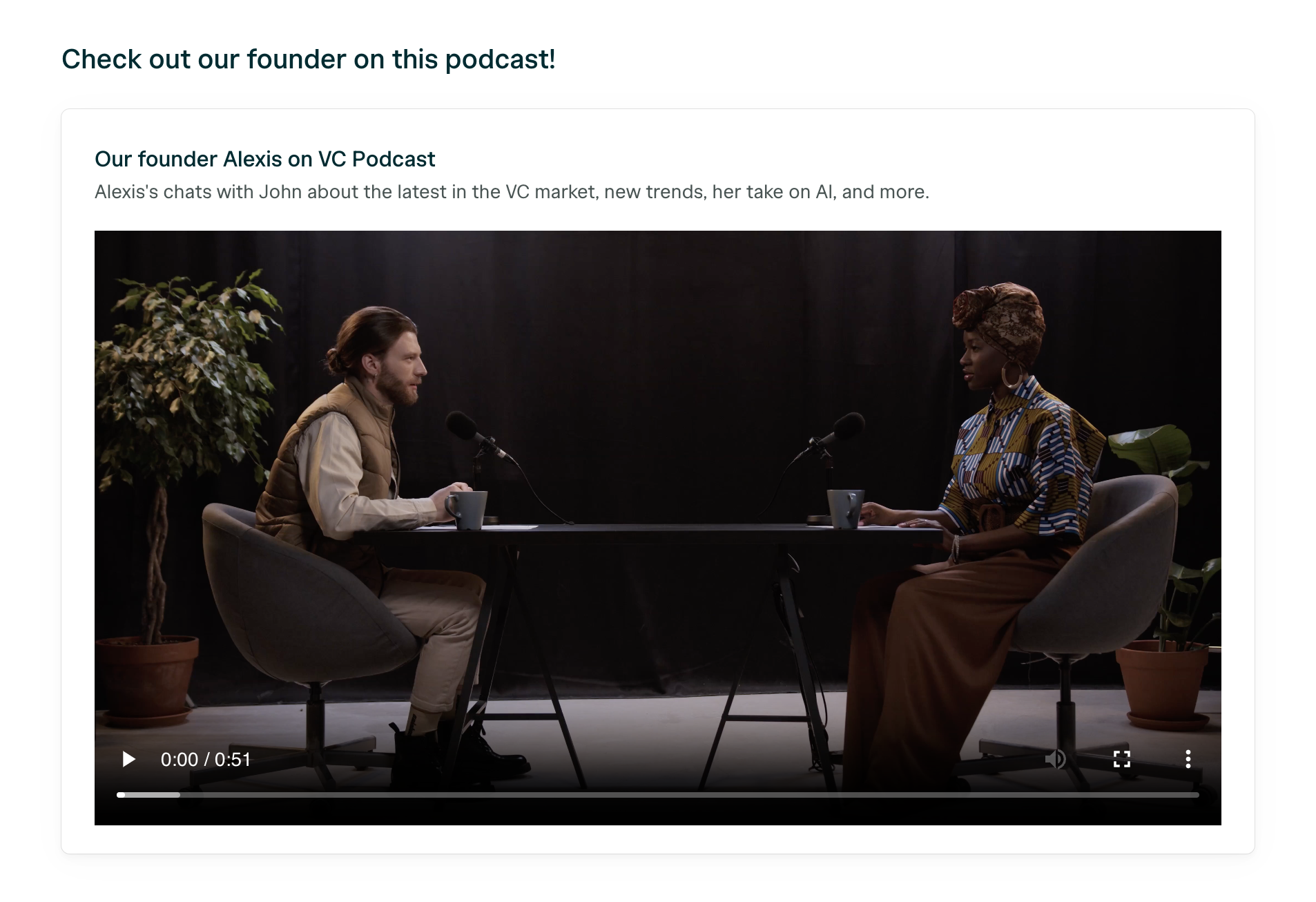
  <Accordion title="Video" description="Upload or embed videos alongside headers/descriptions" icon="video" iconType="regular">
    <Frame>
      <img src="https://mintcdn.com/angellist-im-help/Av-5TMyVT9LYx2Nk/Video-NotClicked.png?fit=max&auto=format&n=Av-5TMyVT9LYx2Nk&q=85&s=cb742d4bb8504ab02a13d5d6efd4ec52" alt="Video" width="1906" height="1306" data-path="Video-NotClicked.png" />
    </Frame>
  </Accordion>

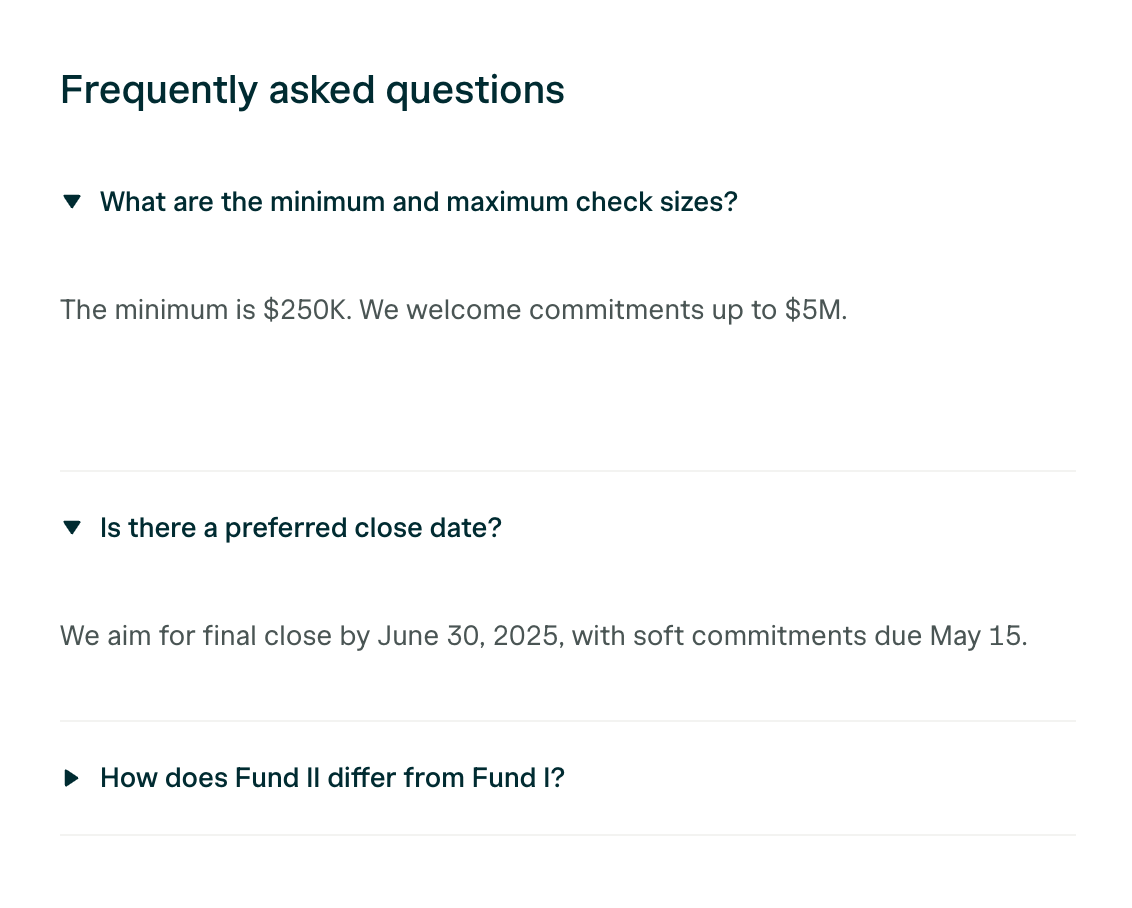
  <Accordion title="Frequently Asked Questions" description="FAQ sections to pre-answer any common questions" icon="question" iconType="regular">
    <Frame>
      <img src="https://mintcdn.com/angellist-im-help/Av-5TMyVT9LYx2Nk/images/FAQSection.png?fit=max&auto=format&n=Av-5TMyVT9LYx2Nk&q=85&s=5964337445fa43a16577f92e3584f5e0" alt="FAQ Section Pn" width="1132" height="908" data-path="images/FAQSection.png" />
    </Frame>

    <Tip>
      Add unlimited FAQs that can be expanded when clicked to reveal the answer
    </Tip>
  </Accordion>

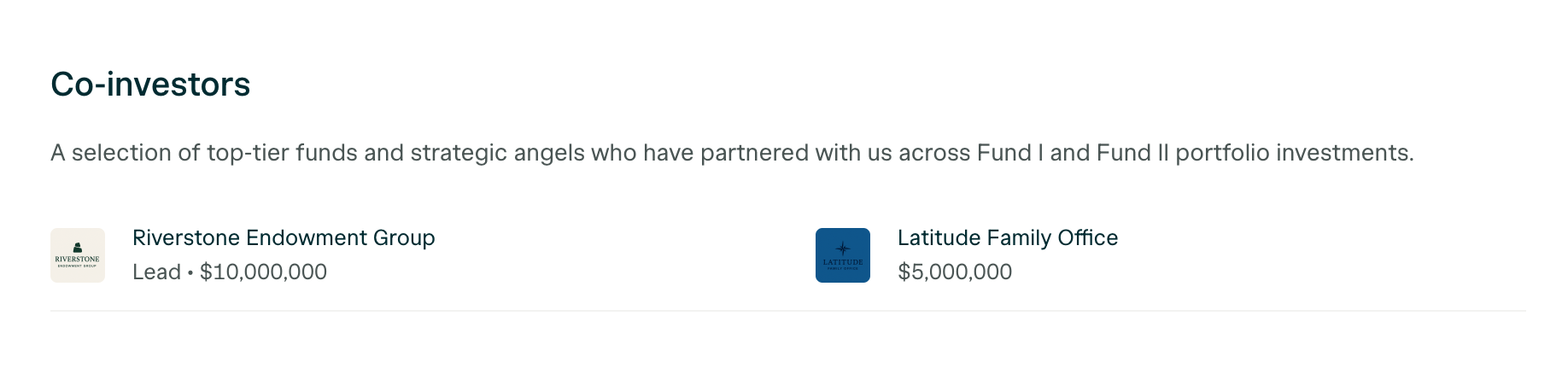
  <Accordion title="Co-Investors" description="Highlight any notable investors that are involved" icon="face-tongue-money" iconType="regular">
    <Frame>
      <img src="https://mintcdn.com/angellist-im-help/Av-5TMyVT9LYx2Nk/images/Co-InvestorsSection.png?fit=max&auto=format&n=Av-5TMyVT9LYx2Nk&q=85&s=f8576b53261ffd015f5aee7a2adb87d0" alt="Co Investors Section Pn" width="1836" height="452" data-path="images/Co-InvestorsSection.png" />
    </Frame>
  </Accordion>

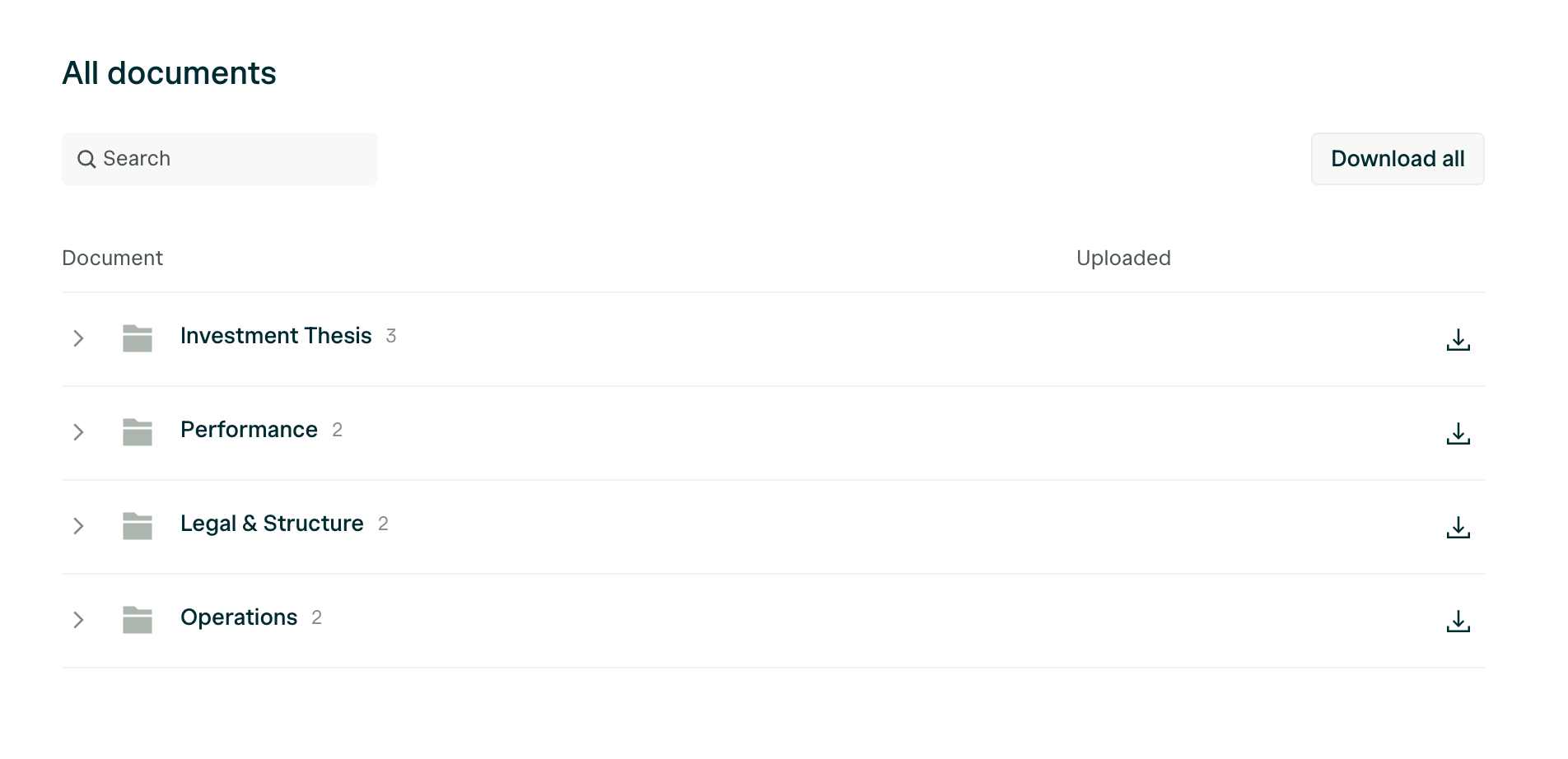
  <Accordion title="[Default] All Documents" description="The default All Documents section can be moved around like others sections, but not deleted" defaultOpen icon="files" iconType="regular">
    <Frame>
      <img src="https://mintcdn.com/angellist-im-help/Av-5TMyVT9LYx2Nk/images/AllDocumentsSection.png?fit=max&auto=format&n=Av-5TMyVT9LYx2Nk&q=85&s=eb11e0ca0cbe87c4d8f248fb9ffacc56" alt="All Documents Section Pn" width="1904" height="922" data-path="images/AllDocumentsSection.png" />
    </Frame>
  </Accordion>
</AccordionGroup>

### How do I update my company logo and/or colors?

There are 3 different areas you can update your logo or theme colors:

<Tabs>
  <Tab title="Logo: Settings">
    <Info>
      Under **Settings**, select **General,** then upload your logo at the bottom.
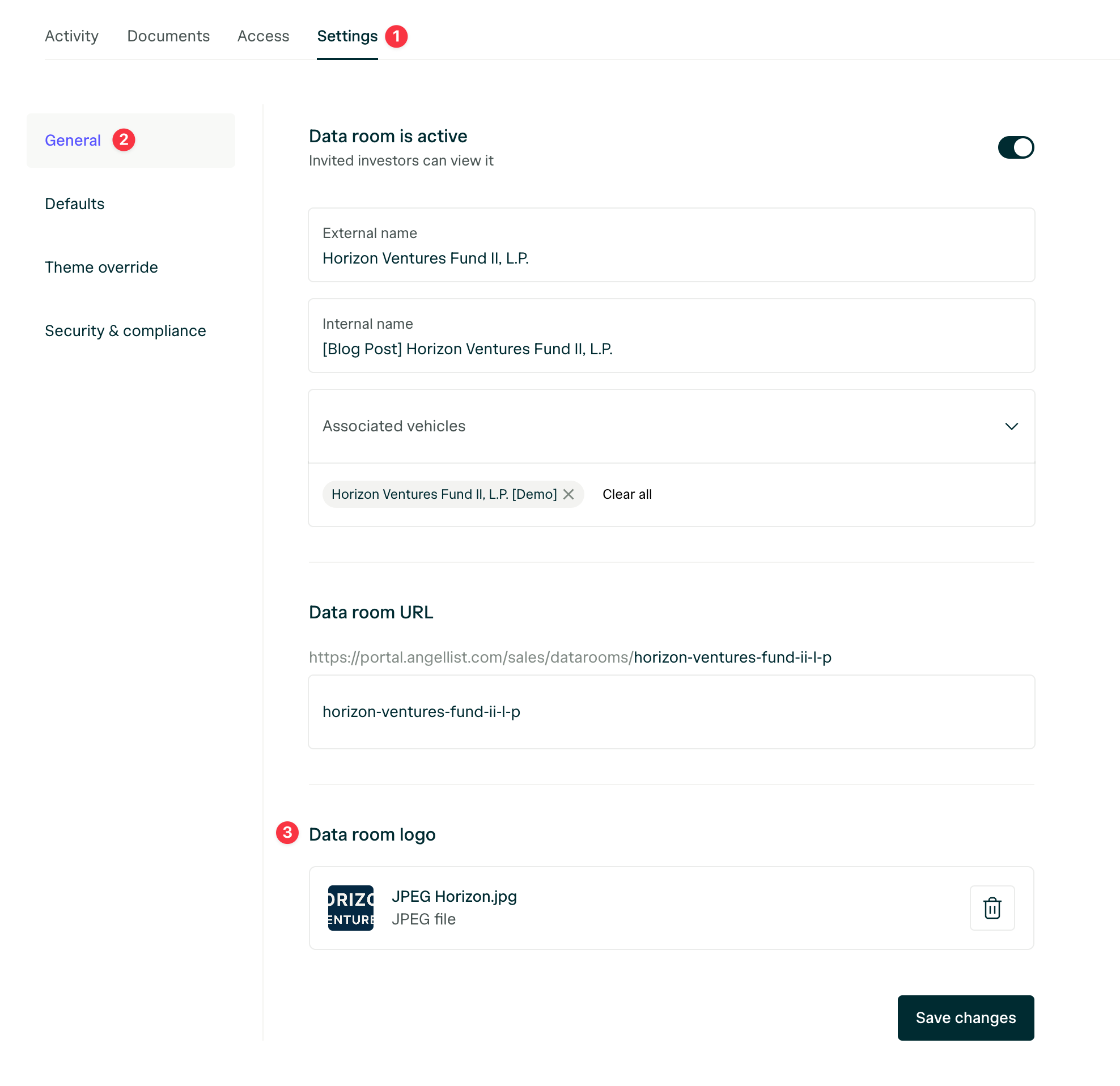
    </Info>

    <Frame>
      <img src="https://mintcdn.com/angellist-im-help/Av-5TMyVT9LYx2Nk/images/DataRoomLogoSettings.png?fit=max&auto=format&n=Av-5TMyVT9LYx2Nk&q=85&s=d4b04f16d4584ae1c6fb1debbc8f3916" alt="Data Room Logo Settings Pn" width="1976" height="1916" data-path="images/DataRoomLogoSettings.png" />
    </Frame>
  </Tab>

  <Tab title="Logo: Configure Page">
    <Info>
      In the **Configure** page, click **Customize branding**, then upload your logo on the bottom right.
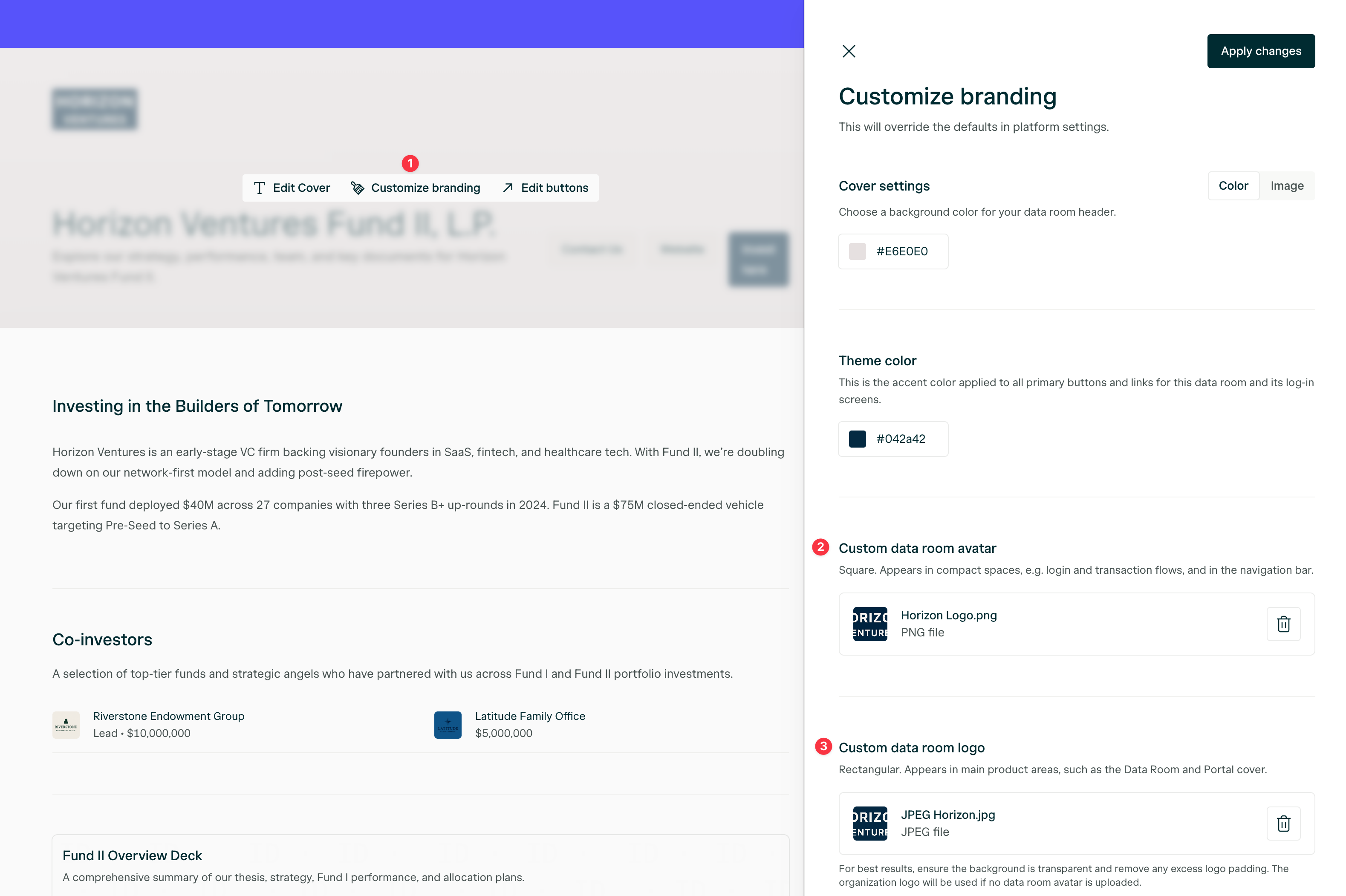
    </Info>

    <Frame>
      <img src="https://mintcdn.com/angellist-im-help/Av-5TMyVT9LYx2Nk/images/DataRoomLogoConfigure.png?fit=max&auto=format&n=Av-5TMyVT9LYx2Nk&q=85&s=cd3f2d7f0f528e33b4170096e4e91452" alt="Data Room Logo Configure Pn" width="3158" height="2102" data-path="images/DataRoomLogoConfigure.png" />
    </Frame>
  </Tab>

  <Tab title="Theme: Settings">
    <Info>
      Under **Settings**, click **Theme override**, then type in your Hex codes.
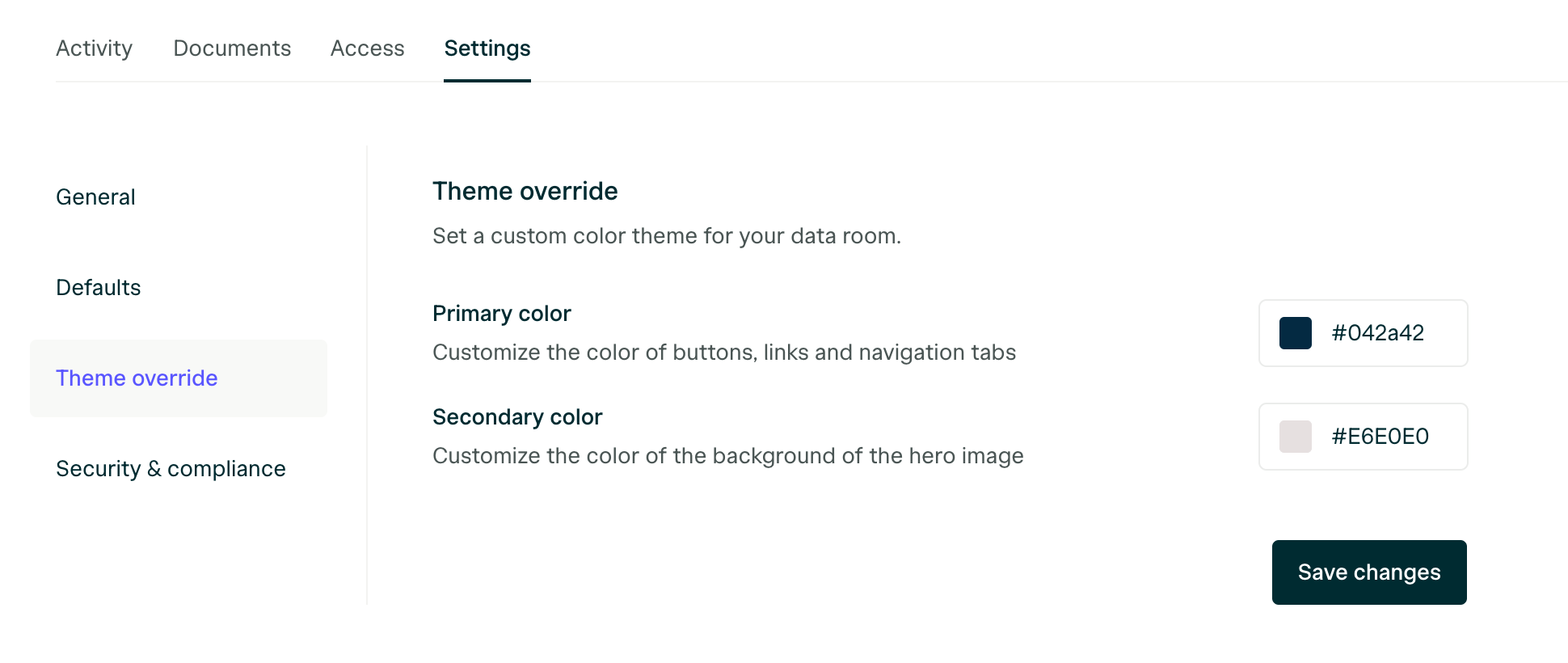
    </Info>

    <Frame>
      <img src="https://mintcdn.com/angellist-im-help/Av-5TMyVT9LYx2Nk/images/DataRoomThemeSettings.png?fit=max&auto=format&n=Av-5TMyVT9LYx2Nk&q=85&s=d0f93447900ae2c40be3006c7f13b64c" alt="Data Room Theme Settings Pn" width="1940" height="820" data-path="images/DataRoomThemeSettings.png" />
    </Frame>
  </Tab>
</Tabs>

### How do I connect my Digital Subscriptions Templates to a Data Room?

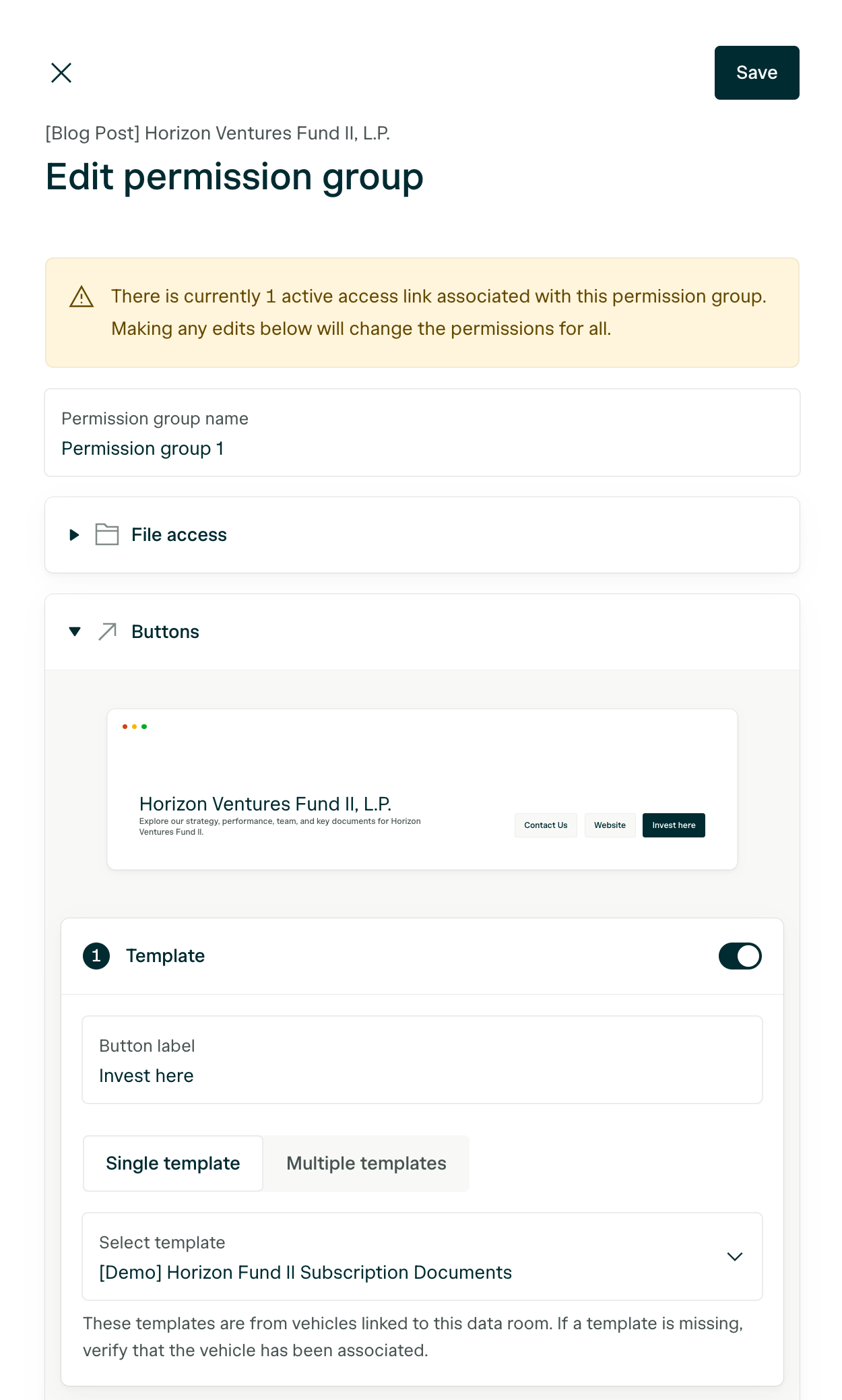
Connect a direct link to your public Template's by editing the Permission group you want the call-to-action button to display within.

<Warning>
  **If you do not see your Template**, make sure the Vehicle that holds the Template is connected to your Data Room and your Template's public link is enabled.
</Warning>

<Expandable title=": Screenshot displaying where to connect Templates to a Permission group">
  <img src="https://mintcdn.com/angellist-im-help/Av-5TMyVT9LYx2Nk/DataRoompermissionGroupButtons.png?fit=max&auto=format&n=Av-5TMyVT9LYx2Nk&q=85&s=f9bb4eec3191e9c0a0f045d60c3e45f6" alt="Data Roompermission Group Buttons Pn" width="1250" height="2078" data-path="DataRoompermissionGroupButtons.png" />
</Expandable>

### Related Articles:

* [How can I share my subscription documents publicly?](/transact/transactions/new-transaction#public-link-sharing)

<Note>
  **I have a question that isn't answered here. Who can I reach out to?**\
  We'll be happy to help you at [portal@angellist.com](mailto:portal@angellist.com).
</Note>