> ## Documentation Index
> Fetch the complete documentation index at: https://support.angellist.com/llms.txt
> Use this file to discover all available pages before exploring further.
# Upload & Organize Documents
> How to upload files to your document library, create folders, and manage your materials efficiently.
### Uploading Documents
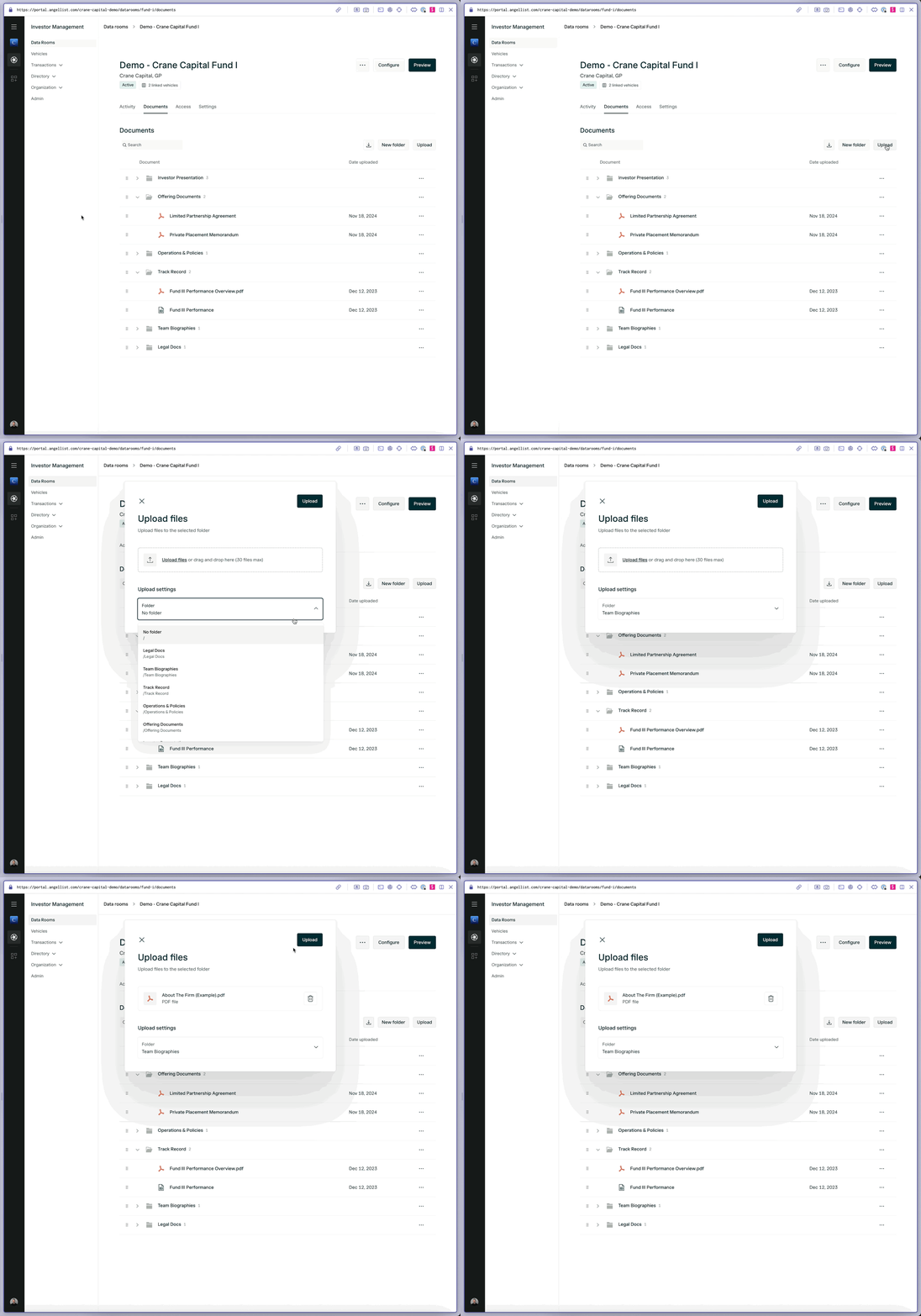
To upload a document, head to the *Documents* tab, then press the **Upload** button. From there, you can upload up to 30 files at one time, and place them into a folder.
 ### Organizing Your Documents
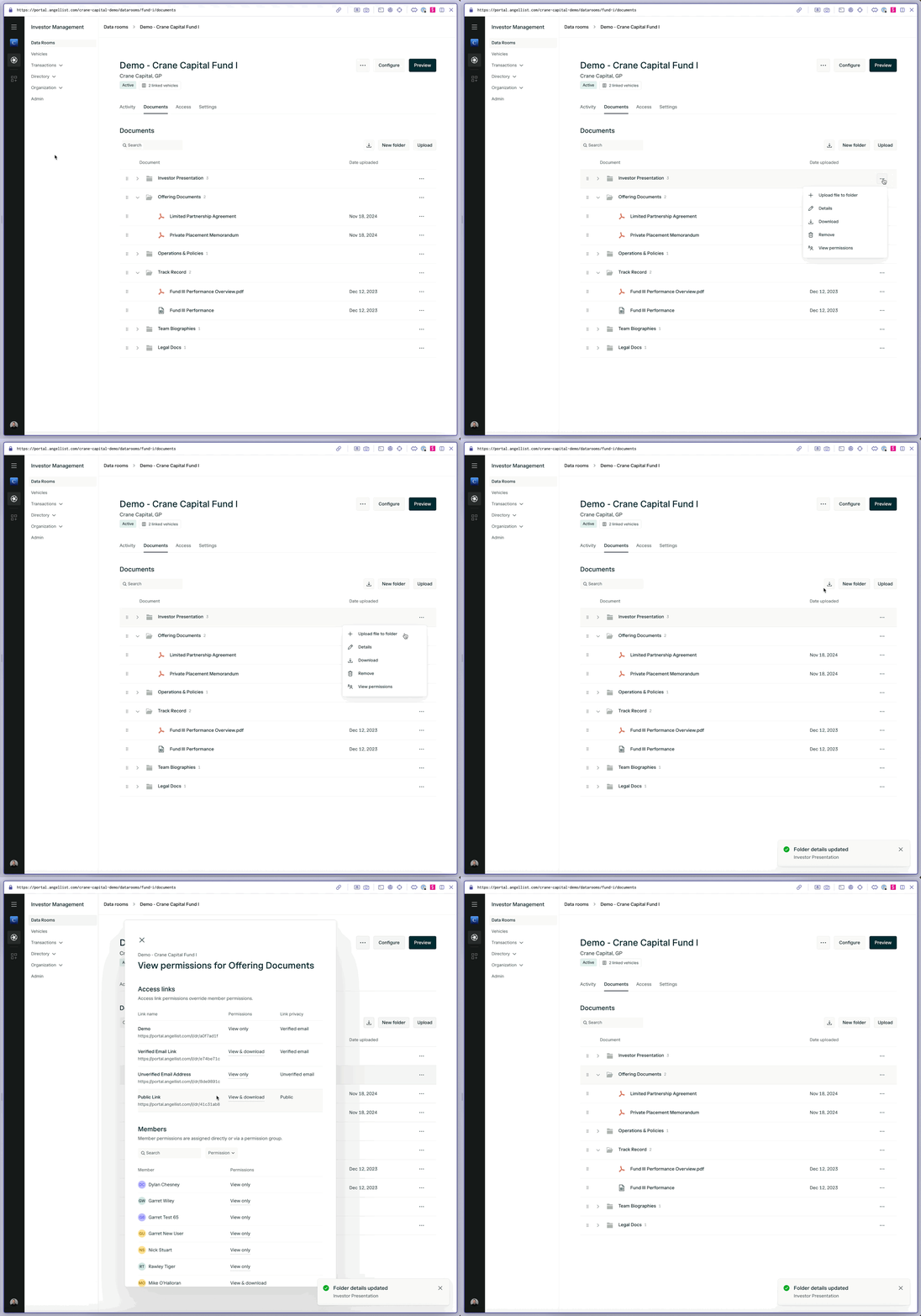
You can create folders, and folders within folders to organize your documents for your investors.
Clicking the three dots to the right of a folder allows you to:
* Upload a file directly into the folder
* Edit the name of the folder
* Download the folders contents
* Delete the folder
* View a list of all verified visitors and their permissions related to the folder
### Organizing Your Documents
You can create folders, and folders within folders to organize your documents for your investors.
Clicking the three dots to the right of a folder allows you to:
* Upload a file directly into the folder
* Edit the name of the folder
* Download the folders contents
* Delete the folder
* View a list of all verified visitors and their permissions related to the folder