> ## Documentation Index
> Fetch the complete documentation index at: https://support.angellist.com/llms.txt
> Use this file to discover all available pages before exploring further.
# Mobile Compatibility
> What users can expect when viewing or accessing the Data Room from a phone or tablet.
AngelList Data Rooms are fully responsive and designed to work seamlessly across devices—whether your investors are viewing from a desktop, tablet, or smartphone.
### Mobile-Optimized Experience
Every component of your Data Room—text sections, video blocks, featured documents, team bios, call-to-action buttons, and more—is built to automatically adapt to smaller screen sizes. This ensures a smooth and professional experience for visitors on the go.
Whether someone is reviewing documents on a tablet or skimming your pitch deck from a phone, they’ll be able to navigate your content quickly and clearly.
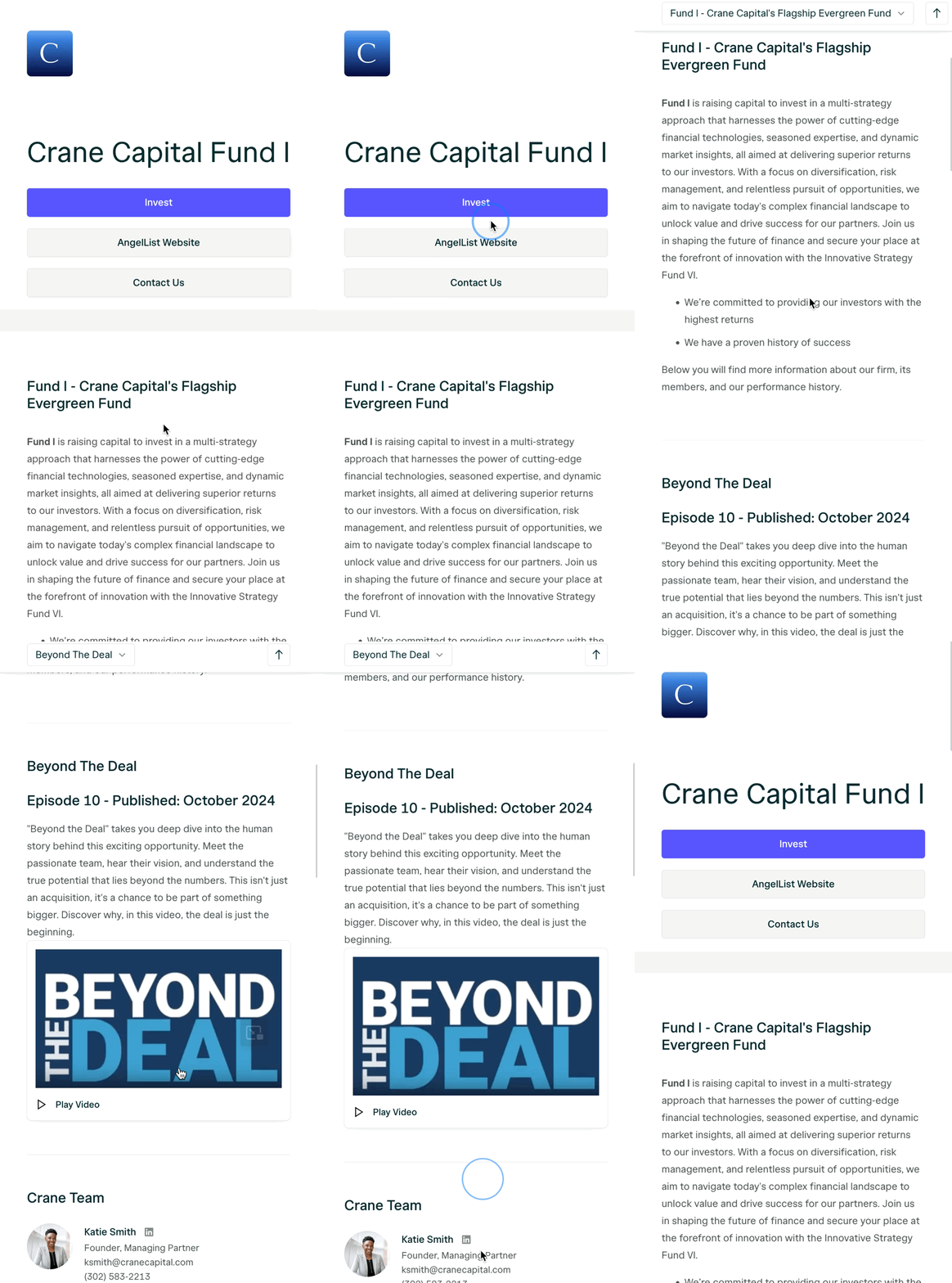 ### **What to Expect on Mobile**
* Touch-friendly buttons and scrolling
* Responsive document viewer with pinch-to-zoom
* Auto-scaling layouts for each section
* Clean stacking of page content for easy reading
## **Tip for Fund Managers**
Before sharing your Data Room, it’s a good idea to preview it on a mobile device to see how it appears for investors. You can make layout or content adjustments from your desktop editor if needed.
### **What to Expect on Mobile**
* Touch-friendly buttons and scrolling
* Responsive document viewer with pinch-to-zoom
* Auto-scaling layouts for each section
* Clean stacking of page content for easy reading
## **Tip for Fund Managers**
Before sharing your Data Room, it’s a good idea to preview it on a mobile device to see how it appears for investors. You can make layout or content adjustments from your desktop editor if needed.